![AbaData Logo-1.png]](https://support.oplynx.com/hs-fs/hubfs/AbaData%20Logo-1.png?height=40&name=AbaData%20Logo-1.png)
To view and export well information for multiple wells based on search criteria:
 Note:
Note:
This report is produced from databases rather than the map - you do not need to zoom to the wells or select them.
- Go to Reports > Global

- The Global Reports window will be displayed.
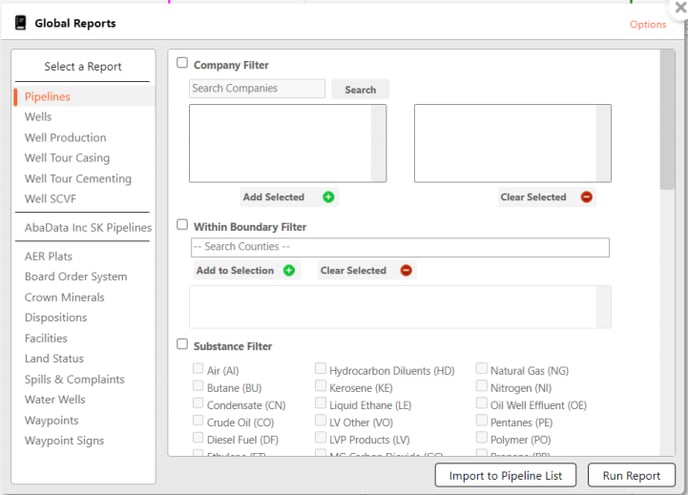
- To search for wells by company:
- Select the Company Filter checkbox
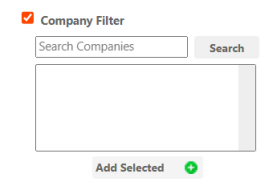
- Enter a company name and click Search.
- Select a company from the list and click Add Selected.
- Select the Company Filter checkbox
- To search for wells by County:
- Select the Within Boundary Filter checkbox
- Enter the name of the County,
- Select the County from the drop-down list and click Add to Selection.
- Click Run Report.
- The report will be displayed in a new tab.
 Tip:
Tip:
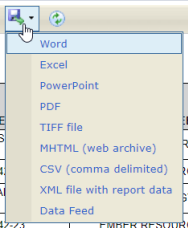
To download and save the report, select a format from the Export drop-down list.