![AbaData Logo-1.png]](https://support.oplynx.com/hs-fs/hubfs/AbaData%20Logo-1.png?height=40&name=AbaData%20Logo-1.png)
Universal Search
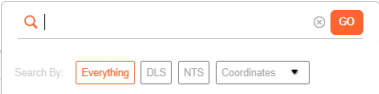
Use the Universal Search to search for locations, addresses, pools, wells, pipelines, or coordinates.

By default, the search will apply to Everything. To search for exact coordinates, select DLS, NTS or another system from the Coordinates drop-down menu.
 Tip:
Tip:
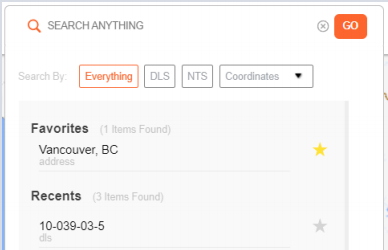
Click in the Search Bar to view recent searches and view or add new favorites
Zoom To
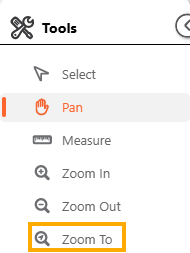
Located in the toolbar, "Zoom To" is another way to search for map objects.
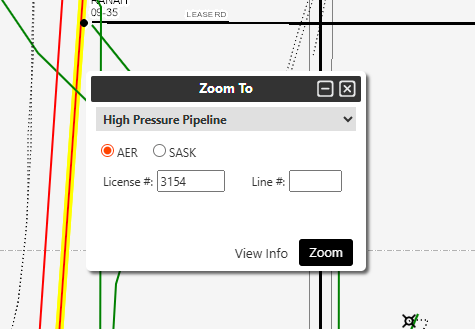
Clicking Zoom To will bring up a pop-up which will allow you to search for specific objects via the Dropdown
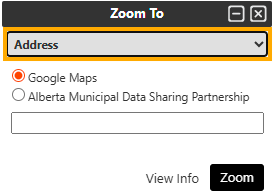
After entering the object you are trying to locate, click zoom. This will take you to the object, which will be highlighted for convenience!